
Shopify Refunded the Customer. Did Your QuickBooks COGS Reverse Too?
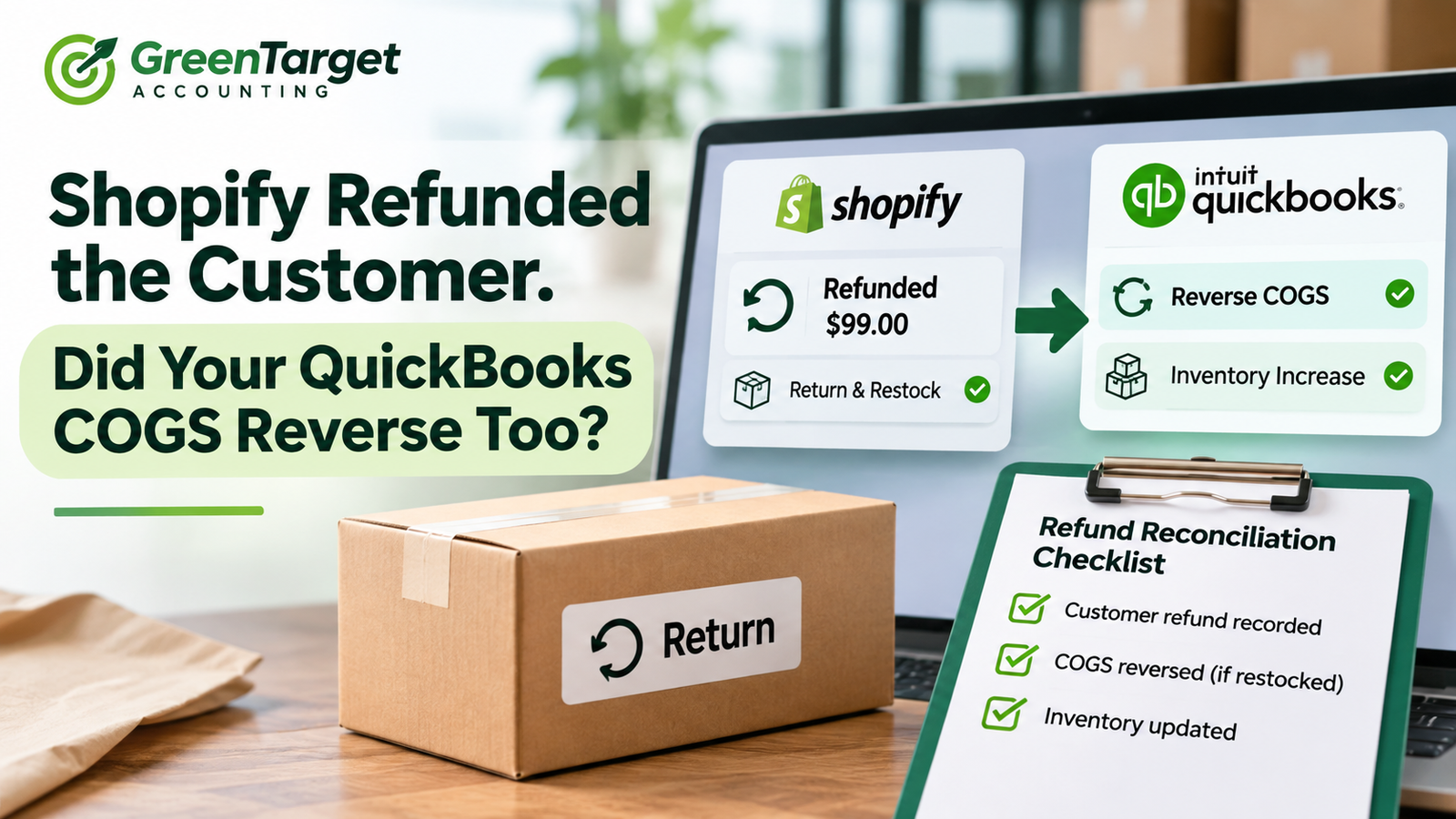
A customer returns a product. Shopify processes the refund. The customer gets their money back.
The sales report now reflects the return, so the accounting looks settled.
But the item is not necessarily back in sellable inventory.
It may still be traveling to your warehouse. It may arrive damaged. The return might be processed in a different month from the refund. Or your team may already have recorded the inventory cost through a separate system.
That creates a less obvious question: if revenue was reversed, what happened to the item’s cost of goods sold in QuickBooks?
For growing Shopify brands, this is where a simple customer service transaction can become a reporting problem.
A refund and a restock are two different events
In Shopify, a refund returns money to the customer. A restock changes the inventory quantity recorded for the product and location.
Shopify’s returns workflow lets sellers receive and inspect returned merchandise before deciding whether to restock it. Its inventory adjustment history separately recognizes “Return restock” activity, and Shopify’s inventory documentation uses that reason when a returned item can be resold.
Those operational steps matter because a refund can be approved even though the item is not yet available for resale.
Refunding a $100 order does not prove that the business recovered $40 of inventory cost. That $40 might still be tied to an undelivered return, damaged merchandise, or an item already written off.
A sound month-end close explains both sides.
The reporting gap Shopify itself describes
Shopify’s Sales discrepancies guidance warns that reports can differ because of event timing and reporting logic.
One example is especially important for controllers: if a product is refunded on one date and restocked on another, the same amount can appear separately in sales reporting, with a restock entry that may have “N/A” in the Product field.
This is not, by itself, evidence that Shopify has charged the customer twice or that revenue really occurred twice. It means the reports should be reconciled using the event types and dates, not just their bottom-line totals.
Shopify also notes that restocking without a refund can affect how tax and returns appear in certain reports.
The practical lesson: do not use a single net sales column as proof of what physically came back into inventory.
A simple return that crosses month-end
Consider a hypothetical Shopify sale.
The customer paid $100 for one unit. The company recorded that unit at $40 in inventory cost, with the assumption that the sale and cost had originally been recognized correctly.
On October 30, the seller processes a $100 refund. The return package does not arrive at the warehouse until November 3.
After inspection, the item is confirmed resellable and is restocked on November 4.
There are now separate accounting questions:
October: What revenue reversal or refund obligation belongs in October under the business’s accounting policy, and what is the appropriate treatment of the expected return and inventory recovery at the reporting date?
November: When did the business regain the item and control of the inventory, and what records support the resellable unit and its cost?
In the simplest fully resolved situation, the business may recover the $40 inventory carrying cost through an appropriate inventory adjustment or return accounting entry, while reversing the $100 sale. But it is not safe to assume the entire cost should be reversed automatically on the refund date, or that every seller should record the same entries. The reporting framework, return rights, timing, integration setup and condition of the item matter.
If the returned unit is damaged and cannot be sold, the $40 cost might not be recoverable as normal inventory. That difference can materially change gross profit.
All figures here are illustrative, not client data.
QuickBooks can restore inventory when a customer refund is recorded
Intuit’s current QuickBooks Online help explains that refund receipts involving inventory items update the accounting and can add the items back to inventory. Intuit also cautions that when the goods are defective, or should not be returned to inventory, an inventory adjustment may be necessary.
That is important for stores whose inventory is tracked directly in QuickBooks.
It is also a potential duplicate-entry problem for stores where Shopify, a warehouse management system, an inventory platform or another accounting workflow separately manages the units and cost.
Before entering another adjustment, find out what QuickBooks has already posted and what any connector has already summarized.
A Shopify refund export does not tell you whether QuickBooks automatically posted an inventory return or whether the stock value remains unchanged. You must look at the actual product configuration, account mapping, inventory records and posted accounting entries.
Four return outcomes that need different review
1. Refund issued, item not yet received
This is a timing and evidence issue. Identify the refund date, return status, expected receipt and amount involved.
At period end, evaluate the relevant return/refund rights, recognition and recoverability under the business’s accounting policy. Do not invent returned units in the warehouse simply because the customer was refunded.
2. Refund issued, item inspected and resellable
Confirm the item, SKU or variant, quantity, cost support, receiving location and date it became available.
Then trace the corresponding inventory movement and any QuickBooks posting. If a refund receipt or automated workflow already restored the item cost, a second “COGS reversal” could double-count the recovery.
3. Refund issued, item damaged or unsellable
Do not move damaged stock into ordinary sellable inventory solely to match a refund.
Determine whether it has residual value, can be refurbished, should remain separately classified, or requires a supported write-down or loss. The financial treatment depends on the facts and policy, but it should not silently inflate normal inventory assets.
4. Restock recorded without a matching refund
A store may restock an item before a refund, process an exchange, or record a stock adjustment unrelated to a cash refund.
Find the original return or order and explain why the events differ. Do not automatically infer that every restock means a cash refund must be recorded in the same period.
A practical Shopify return and COGS review
- Match the original transaction. Obtain order ID, SKU or variant, original sales amount, original inventory carrying cost and the sale/fulfillment date.
- Trace the customer-side action. Check refund, credit, exchange, partial refund or store-credit activity and its actual processing date. Separate shipping, tax, return fees and other adjustments when they matter.
- Check the physical item. Obtain warehouse receipt, inspection outcome, restock location and condition. Distinguish received and resellable units from damaged, missing, in-transit or discarded stock.
- Reconcile inventory by SKU and cost. Compare Shopify inventory adjustment history, warehouse/3PL records and the inventory ledger used for financial reporting. The number of returned units and their assigned cost are both necessary.
- Trace QuickBooks postings. Inspect sales reversals, inventory asset changes, COGS or other adjustments and processor clearing. Identify whether a refund or inventory adjustment was posted directly in QuickBooks, through an app, or through a summary journal.
- Investigate month-end differences. Keep refunds processed before physical receipt separate from completed restocks. Explain open return items and consider their appropriate accounting treatment and valuation.
- Review the result. Confirm that management reporting does not interpret a refund as a new expense twice, restore unsellable inventory as normal stock, or recognize a COGS recovery that has already been booked.
The reviewer should be able to show the path from the original sale through refund, inspection, stock movement and the final ledger entries.
Why this matters for product profitability
A business might have strong sales but increasing returns.
When return revenue is reversed and inventory recovery is handled incorrectly, reported product margins can look better or worse than the business actually earned.
For example, a $100 sale with $40 product cost has $60 of initial gross profit before other costs. After a full refund, the final financial outcome depends on whether the product is resellable, whether it has lost value, and how associated costs and fees are treated.
If the item is recovered in good condition and the cost is properly reinstated as inventory, the product cost need not remain a permanent loss simply because the original sale was reversed. If the item is destroyed, unrecoverable costs may remain.
The point is not to manufacture a perfect margin. It is to explain what happened economically.
That gives owners a better view of which products create sustainable profit, which returns are eroding margin, and how much cash is tied up in returned stock.
Closing the month with confidence
Shopify can record a refund before the inventory is returned. QuickBooks may restore inventory automatically under some workflows. An inventory system may have already recognized a separate movement. Those systems do not always describe the same event at the same time.
A clean reconciliation looks beyond the customer refund and asks whether the inventory and cost impact have been recorded once, at the right value and with appropriate support.
For established Shopify and multichannel businesses, GreenTarget reviews QuickBooks reconciliations, inventory and cost of goods sold, settlement integrations and monthly financial reporting. When returns are growing or the P&L and inventory rollforward no longer tell the same story, this return-to-ledger review is a practical starting point.
Explore monthly eCommerce accounting and controller-level review:
https://greentargetaccounting.com/monthly-ecommerce-accounting/